 casamovo
“It looks so much better
in person.”
Empty rooms, dark corners, and yesterday’s clutter make it harder to see what a home could be.
Help them picture the potential.THE PROPERTY MARKETING STUDIO
Buyers need to see the potential before they book the viewing. Turn the photos you already have into inviting rooms, cinematic videos, and marketing that feels like you.
4 free photo edits · No credit card needed
For agents, property managers, and the people
making a property’s first impression count.
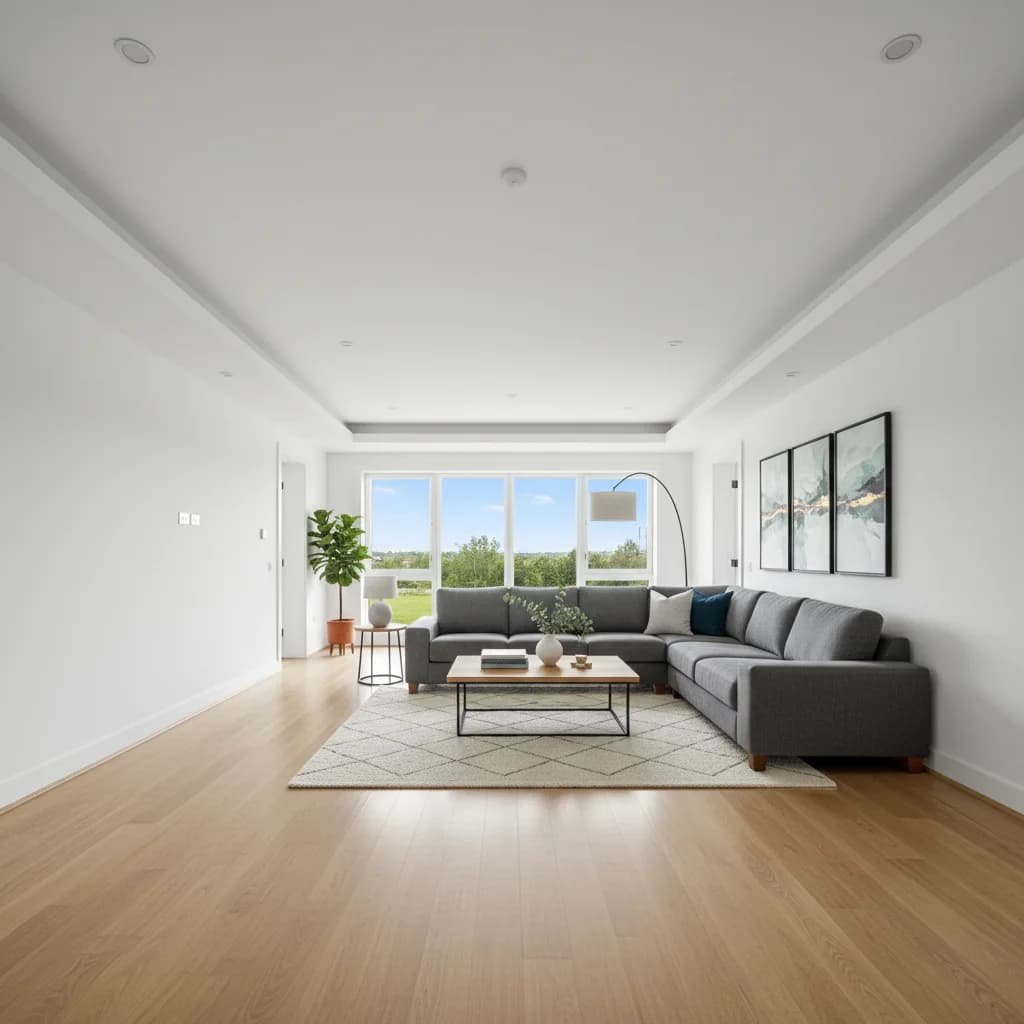
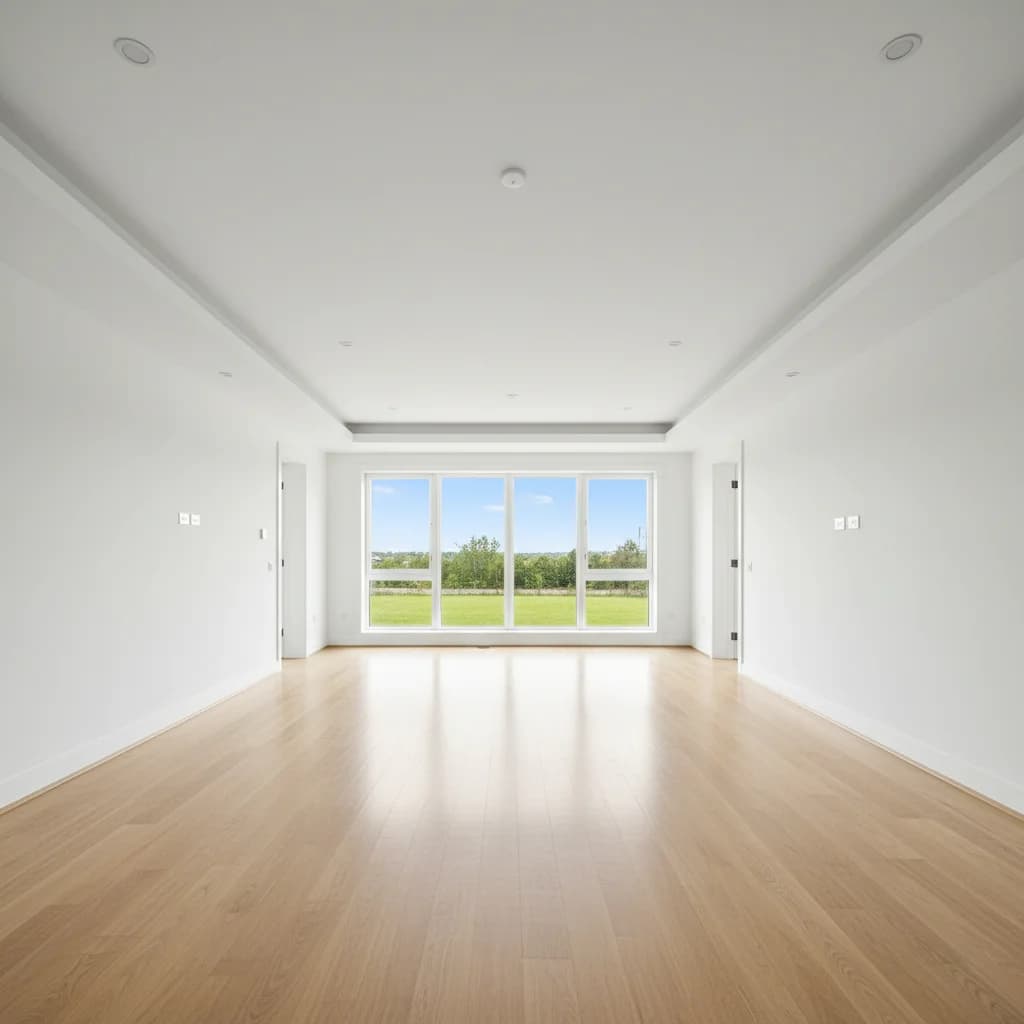
From empty space to a place they can picture living.
Sample photos and AI edits. Your results will vary.
Listing photos
Property videos
Social posts & flyers
Your own branding
SOUND FAMILIAR?
There’s a viewing to arrange, a seller to update, and a listing that still needs to go live. The marketing shouldn’t take over your day.
Empty rooms, dark corners, and yesterday’s clutter make it harder to see what a home could be.
Help them picture the potential.The photos are ready. The reel, the carousel, and the open-house flyer are still on your to-do list.
Put the same photos to work.Switching tools, repeating edits, adding your logo again. Small tasks turn into another late evening.
Give every listing one workspace.MEET YOUR NEW PROPERTY STUDIO
One place to prepare the photos, tell the story, and give every piece of marketing your signature.
Stage a space, clear distractions, brighten a dark shot, or refresh an exterior. Give buyers something they can picture themselves in.
See the before & afterAFTERBEFORETurn still photos into AI motion clips. Bring photos and clips together with music, transitions, property details, and your branding.
AI motion generation is included with Creator and Pro.
Create listing cards, social carousels, and flyer images with the same property details and brand kit. Your logo, colors, and contact details go with you.
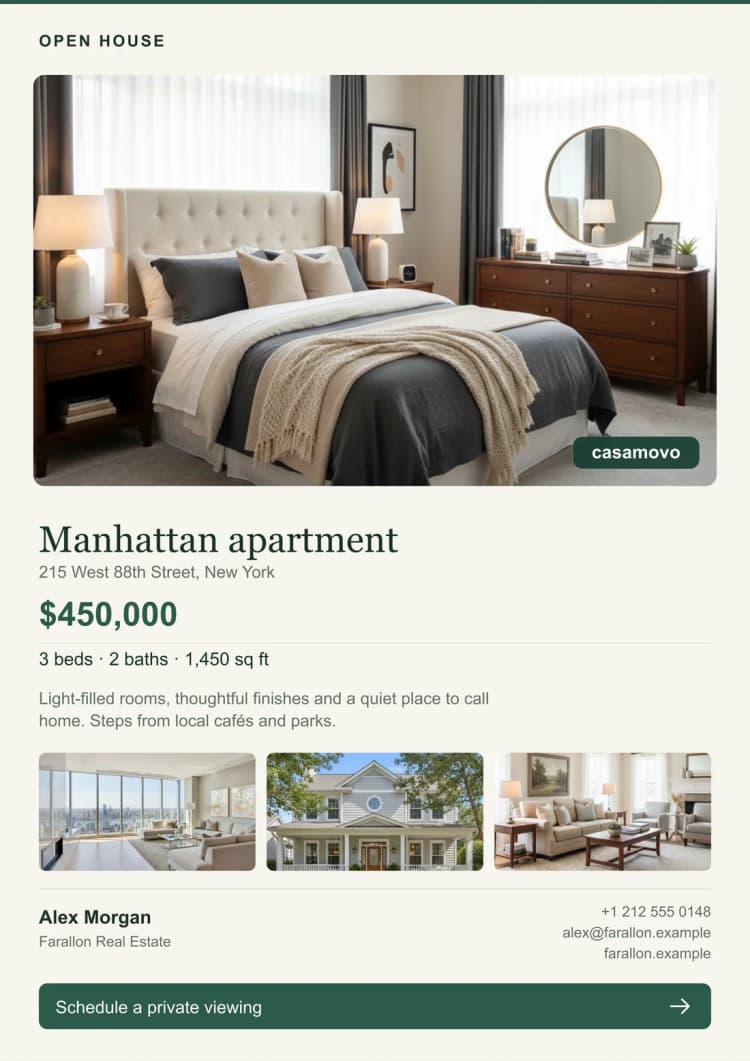
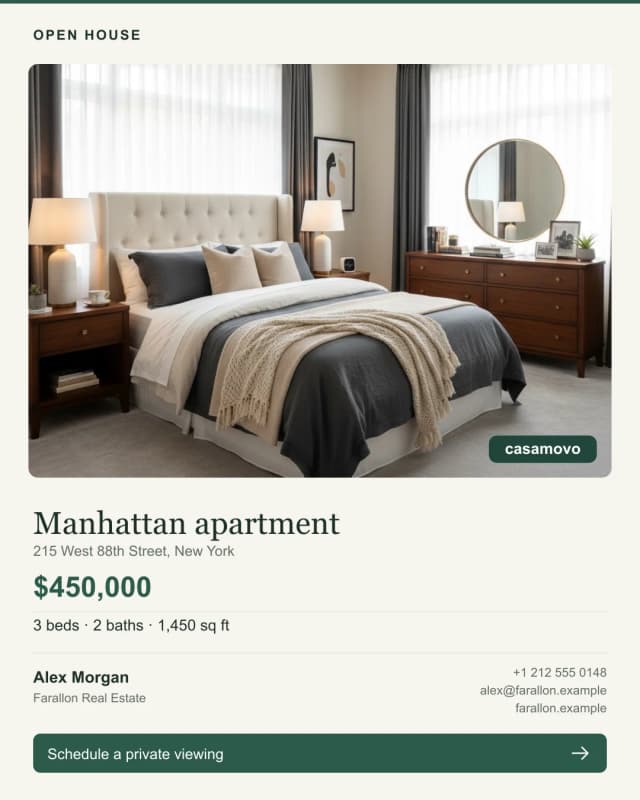 Your brand. Already there.
Sample layouts exported from the studio.
Apply one edit across a batch of photos. Reuse saved settings and style references, compare the results, then export the shots you approve.
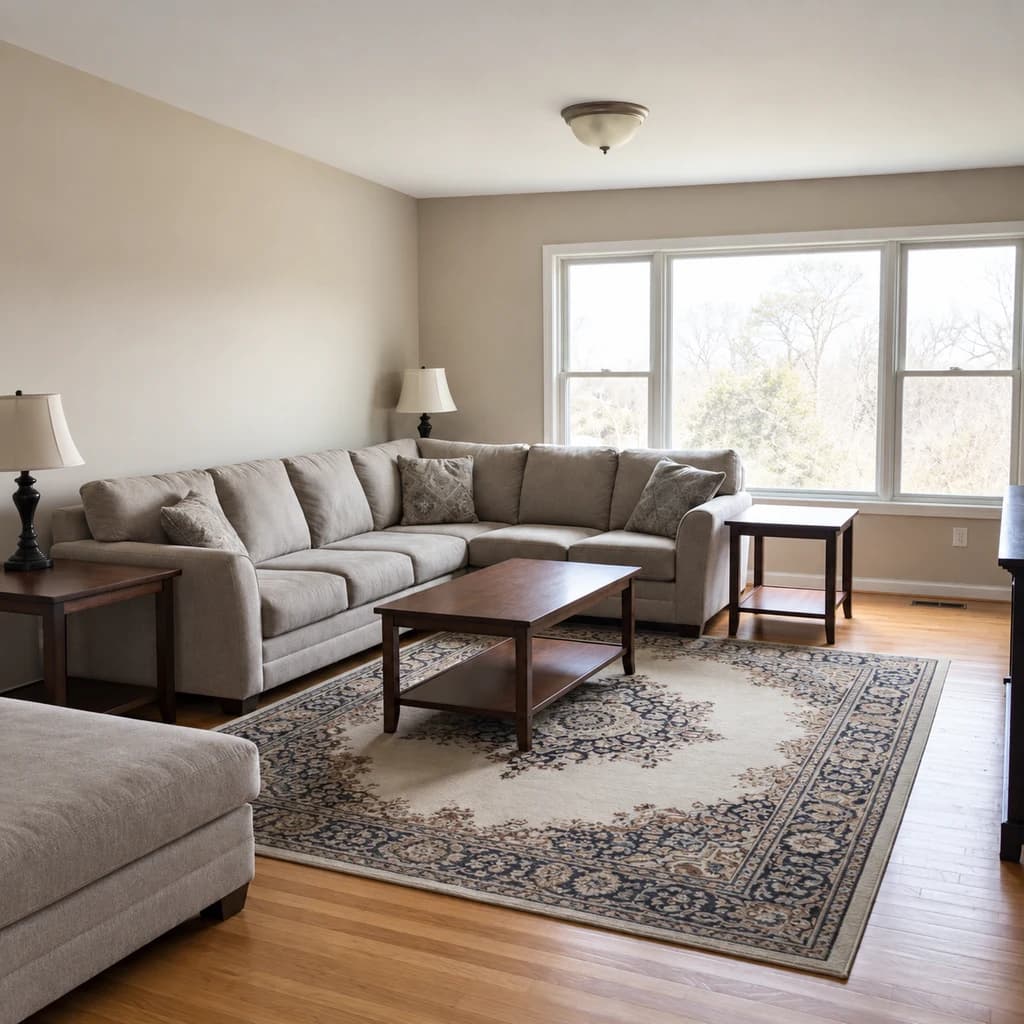
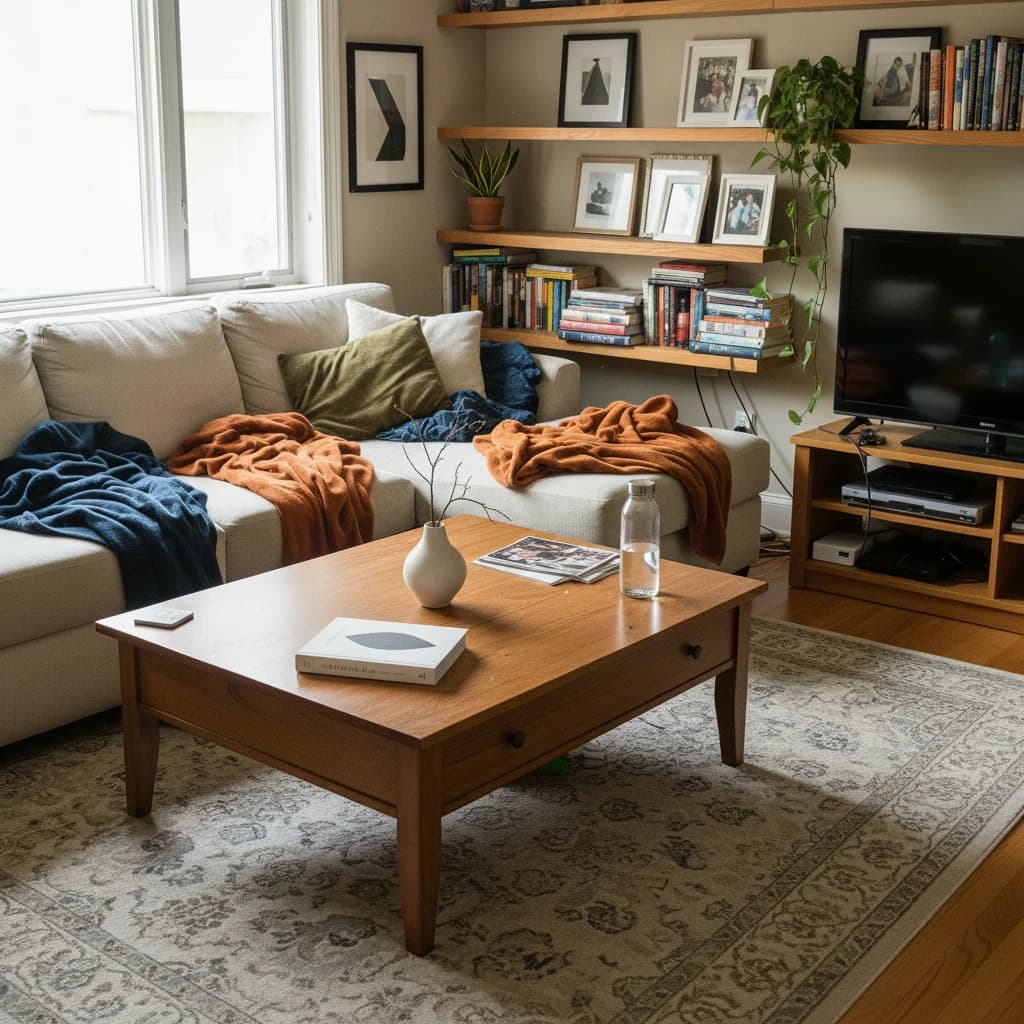
And for the finishing touches: object removalwall & floor changesimage upscaling2D-to-3D floor plans
A SMALLER TO-DO LIST STARTS HERE
Create a property project and upload your photos. Yes, the ones on your phone work too.
Choose your edits, compare the results, and build a video or marketing kit from your favorite shots.
Download your photos, vertical or landscape videos, and branded designs. Ready for your next post or presentation.
Start with 4 free photo edits. See it on your own listing.
Make the marketing
something you’re proud to put it on.
TRY THE DIFFERENCE. THEN CHOOSE YOUR PACE.
Try 4 photo edits on us. Choose Creator or Pro when you’re ready to use your results commercially.
See the difference on your own photos.
$0/ to try
Try my first photoMore room to explore your photo ideas.
$10/ month
Explore StarterYour photos, videos, and brand. Ready to market.
$29/ month
Explore CreatorKeep a busy pipeline looking its best.
$59/ month
Explore ProPrices in USD. Paid credits refresh monthly. Manage or cancel your subscription from billing settings.
You get 4 photo transformation credits when you create an account, with no credit card required. Try virtual staging, photo enhancement, decluttering, or another image tool. These are one-time credits, and free exports include a Casamovo watermark. AI video generation and a commercial license are included with Creator and Pro.
You can start with the photos you already have, including phone photos. Upload a JPG, PNG, WebP, HEIC, or HEIF image, choose an edit, and compare the result with your original. Clear, well-framed source photos give the AI more to work with. There’s no editing timeline to learn for photo transformations.
Yes. Arrange photos and generated clips, adjust scene lengths, add music and transitions, and include your property details and agent branding. Export vertical or landscape MP4s. Assembling existing media does not spend AI credits; creating new AI motion clips uses video credits, available on Creator and Pro.
Choose styles and settings, reuse a saved visual reference, or select a specific rectangular area to edit while keeping pixels outside that area unchanged. You can compare versions and approve batch results individually. AI edits can vary, so review your final photos before sharing them.
Creator and Pro include a commercial license and exports without the Casamovo watermark. Free and Starter are for personal use and include a watermark. Label virtual staging clearly and check your listing platform’s requirements before publishing edited property images.
One image credit covers one photo transformation, such as staging a room or enhancing its lighting. One video credit covers one AI motion generation. Another transformation uses another credit. You see the total credit cost before submitting a batch. Combining existing media into a video does not use generation credits.
Yes. You can manage or cancel your subscription from billing settings. Cancellation stops the next renewal, and your paid plan stays active until the end of the current billing period.
YOU ALREADY HAVE THE NEXT PHOTO.
The empty room. The dark living space. The listing that deserves a fresh start. See what’s possible with the photos you have.
Try my first photo free4 free photo edits · No credit card · Your own photos
A little possibility goes a long way.